How a Shared Inbox Transforms HOA Team Communication
Discover how a shared inbox centralizes HOA emails, calls, and texts into one searchable record—eliminating silos and protecting your community.

What Is an HOA Shared Inbox? (And a Quick Note on Physical Mailboxes)
An HOA shared inbox is a centralized communication platform that captures every email, call, voicemail, and SMS your association sends or receives into one searchable, team-accessible record. If you landed here asking about physical cluster mailboxes — who owns them, who maintains them — the short answer is: your HOA's CC&Rs and your local USPS postmaster are the right resources. This article covers shared inbox software for HOA team communication.
Fragmented communication is one of the costliest, most preventable problems in community association management. Calls land in one place, emails in another, voicemails vanish into a personal phone, and SMS threads disappear when a board member resigns. The result: homeowners repeat themselves, staff duplicate effort, and when a dispute escalates, nobody can produce a clean record. The right HOA communication software fixes all of that — and this guide shows you exactly how.
Before QuorumVoice, our new board members had no idea what had been discussed with homeowners six months prior. Now every conversation is searchable and documented. — HOA Board President, Phoenix, AZ
The Real Cost of Fragmented HOA Communication
Before examining what a shared inbox does, it helps to see what the alternative actually costs. The scenarios below are not hypothetical — they occur in community associations every month. In nearly every case, a unified communication record would have prevented the problem or made resolution significantly faster and cheaper.
| Communication Gap | Likely Consequence | Potential Cost |
|---|---|---|
| Missed maintenance request | Property damage worsens; homeowner escalates | Repair costs + legal fees |
| Lost voicemail from distressed homeowner | Safety incident or complaint to state HOA board | Regulatory review + reputational damage |
| No record of verbal agreement with vendor | Contract dispute; unclear liability | Arbitration or litigation costs |
| Board member leaving with email history | Loss of context in ongoing dispute | Settlements due to inadequate documentation |
| Slow response to compliance violation inquiry | Homeowner perceives favoritism or negligence | Board recall effort or legal action |
This table is the strongest argument for investing in HOA team communication software before a crisis forces the decision.
Why Your HOA Needs a Shared Inbox for Team Communication
It is Tuesday morning. A homeowner emails the property manager about a fence dispute. That afternoon she calls the front desk and speaks to a board volunteer who has no idea the email exists. By Thursday she has filed a formal complaint — not because the issue went unaddressed, but because nobody seemed to know what was happening. Sound familiar?
Common symptoms of siloed HOA team communication include:
- Calls landing in one place, emails in another
- Voicemails disappearing into someone's personal inbox
- SMS threads living on a departing board member's personal phone
- New staff inheriting zero communication history
- Homeowners repeating themselves to three different people
- No documented record when a dispute escalates to legal action
A shared inbox for HOA teams changes all of that in concrete, measurable ways — protecting your community, your staff, and the trust homeowners place in you.
HOA Shared Inbox vs. Group Email: Key Differences
A basic shared inbox is simply a group email address — something like info@yourhoa.com — where multiple people can read and respond to incoming messages. Tools like Google Groups or an Outlook shared mailbox give you multi-user email access, but they stop well short of what a community association actually needs.
| Feature | Google Groups / Outlook Shared Mailbox | Purpose-Built HOA Platform (e.g., QuorumVoice) |
|---|---|---|
| Multi-user email access | Yes | Yes |
| Phone call capture & transcription | No | Automatic |
| Voicemail logging | No | Automatic |
| SMS thread capture | No | Unified stream |
| Per-homeowner contact timeline | No | Full CRM integration |
| Automatic message categorization | Manual only | Auto-tagged by type |
| HOA compliance documentation log | No | Time-stamped, exportable |
| Board transition continuity | Partial (email only) | Full history across all channels |
| Built for non-technical HOA teams | General-purpose | HOA-specific workflows |
Unlike generic business tools, purpose-built HOA communication software gives community associations the audit trail, homeowner timelines, and board transition continuity that off-the-shelf shared mailboxes cannot provide. The gap is not cosmetic — it is the difference between collecting emails and actually managing community communication at a professional level.
A communication intelligence platform like QuorumVoice captures every inbound and outbound call, voicemail, SMS, and email into a single unified stream, automatically transcribes and categorizes each message, and links every interaction to a specific homeowner's contact record. For property managers overseeing multiple communities, a shared inbox for property managers that consolidates all channels is the only scalable way to maintain accountability across a high-volume workload. See how this compares to basic recording tools in Call Recording vs Full Conversation Intelligence: The Gap.
Five Ways an HOA Shared Inbox Transforms Team Communication
1. Every Team Member Has Full Context on Every Homeowner
With a shared inbox connected to a per-homeowner contact timeline, every staff member who opens a conversation sees the complete history — the voicemail from last month, the email from two weeks ago, the SMS from yesterday, and the call that came in this morning.
- Full contact timeline per homeowner
- No repeated explanations across multiple staff contacts
- Instant context for every team member, including new ones
This visibility is what separates strong homeowners association communication tools from generic business email software. Generic tools are built for sales teams. An HOA-specific shared inbox is built around the rhythms of community management: recurring violations, ongoing vendor relationships, multi-year disputes, and governance timelines spanning multiple board terms.
Best for: Communities with high homeowner contact volume or multiple staff members handling the same accounts.
2. Institutional Knowledge Survives Every Personnel Change
HOA boards turn over. Property managers change. Volunteer coordinators move on. One of the most underappreciated risks in HOA management is institutional knowledge loss — the moment a key person leaves and takes every relevant conversation with them, either in their personal email, cell phone, or memory.
- All communication is linked to the organization's CRM, not an individual's account
- Incoming board members can review full vendor and homeowner histories before their first interaction
- Disputes, agreements, and commitments made under a previous board remain fully documented
This continuity is especially critical during board member onboarding and property manager transitions, where the absence of shared communication history forces incoming team members to operate blind during exactly the period when they most need context.
Best for: Communities with frequent board turnover or self-managed HOAs transitioning to professional management.
3. Shared Visibility Reduces HOA Response Time
According to research from SuperOffice, the average email response time across industries exceeds 12 hours — and many organizations take days. In an HOA context, slow responses to maintenance concerns, neighbor disputes, or compliance questions erode homeowner confidence quickly.
- Unread messages are visible to every team member — someone always picks them up
- Tagging and assignment tools prevent messages from sitting idle
- Follow-up reminders replace the "I thought you handled it" problem
The ability to reduce HOA response time is also a compliance matter. Many state HOA statutes — including California Civil Code § 4035 and similar provisions in Florida, Texas, and Nevada — specify response timeframes for maintenance requests, fine disputes, and architectural review applications. A team using shared visibility is structurally more likely to meet those deadlines than a team managing separate personal inboxes.
Best for: Any HOA looking to reduce complaint escalations and demonstrate accountability to homeowners.
4. Workload Becomes Distributable and Measurable
Without a shared inbox, the person whose name appears on the primary phone number or email carries a disproportionate communication burden. They become the bottleneck — and eventually, the burnout case. When communication lives in a shared space, workload can be deliberately assigned based on expertise, availability, or message category.
- Auto-categorization routes maintenance requests, violation notices, and payment inquiries to the right person
- Open and resolved status is visible to the whole team, not buried in someone's personal sent folder
- Volume metrics and response time data replace anecdotal updates at board meetings
Instead of "we've been really busy with maintenance calls," your board reviews actual category breakdowns and response trends. That is the difference between managing by feeling and managing by design — and it is only possible when your HOA team communication flows through one trackable system. For teams handling high inbound call volume, The HOA Call Routing Playbook for Busy Office Managers covers how to pair smart routing with your shared inbox.
Best for: HOA management companies and self-managed communities with more than one staff member handling communications.
5. HOA Compliance Documentation Happens Automatically
HOAs operate under governing documents, state statutes, and in many cases federal regulations including the Fair Housing Act. The ability to demonstrate what was communicated, when, and by whom is a legal necessity when disputes escalate — not a nice-to-have.
- Every call is transcribed and time-stamped automatically
- Every voicemail, SMS, and email is preserved in context
- Records are exportable when an attorney or regulator requests documentation
The Community Associations Institute (CAI) consistently identifies communication record-keeping as a core operational standard for well-run associations. Strong HOA compliance documentation is not something most boards think about until they desperately need it. By then, reconstructing records from scattered personal devices is expensive, incomplete, and sometimes impossible. A shared inbox makes documentation a byproduct of normal operations.
Best for: Communities that have experienced discrimination complaints, vendor disputes, or board governance challenges — and those that want to avoid them.
How to Set Up an HOA Shared Inbox
The most common reason HOAs delay adopting a shared inbox is an assumption that setup is complex or requires technical expertise. In practice, most HOA communication platform implementations follow a straightforward sequence:
- Choose a platform built for HOAs. Generic tools like Gmail or Outlook shared mailboxes handle email but miss calls, voicemails, and SMS. Purpose-built platforms such as QuorumVoice capture all channels from day one. HOA management software like Buildium or AppFolio handle financials and work orders well but are not designed as communication intelligence hubs — consider pairing them with a dedicated shared inbox tool.
- Create a unified team address. Establish a single point of contact such as communications@yourhoa.com so all inbound messages flow to one place regardless of channel.
- Connect all channels. Link your phone number, SMS line, voicemail, and email to the shared inbox so no communication type is excluded from the record.
- Assign role-based access. Grant board members read access to relevant threads; give staff members the ability to respond and assign. Limit administrative settings to your manager or designated admin.
- Define response SLAs. Decide what "responded to" means for your community — acknowledged within four hours, fully resolved within 48 — and use the inbox's tracking tools to measure actual performance.
- Review communication data at board meetings. Monthly volume metrics, response times, and open-item counts turn raw data into governance intelligence your board can act on.
A 300-unit HOA that follows this sequence typically sees meaningful improvement within the first 90 days: fewer escalated complaints, faster acknowledgment times, and a complete communication record ready for any dispute that arises.
Common Mistakes HOA Teams Make With Shared Inboxes
- Leaving ownership undefined. If nobody is assigned to acknowledge new messages within a defined window, shared visibility creates shared neglect. Designate who responds first; let others assist.
- Using a shared inbox for email only. Phone calls, voicemails, and SMS make up a large share of homeowner contacts. An inbox that captures only email leaves significant gaps in your documentation and response record.
- Skipping the onboarding step for new members. New board members or staff should review the communication timeline before their first homeowner interaction — not a stack of meeting minutes. Context lives in conversations.
- Treating setup as a one-time event. Communication patterns shift as communities grow and boards change. Audit your routing rules and category tags at least quarterly to keep the system aligned with your team's actual structure.
Frequently Asked Questions About HOA Shared Inboxes
An HOA shared inbox is a centralized communication platform that captures every email, call, voicemail, and SMS your association sends or receives into one searchable, team-accessible record. Unlike a personal email account or basic group address, it links every message to a specific homeowner's contact record, auto-categorizes communications, and creates a time-stamped documentation trail that supports compliance and governance.
Typically the property manager or HOA management company administrator, with role-based access granted to board members and staff. Administrative settings — adding users, adjusting routing rules — are best limited to one designated admin to prevent accidental changes.
Yes, and it is considered best practice. A shared address like board@yourhoa.com ensures all homeowner communications are captured in the organization's record rather than scattered across personal accounts. Many state HOA statutes require associations to maintain accessible communication records; a shared inbox is the most reliable way to meet that standard consistently.
In Microsoft Outlook, a shared mailbox can be opened directly from the folder pane once your IT administrator has granted you access. Navigate to File > Account Settings > Account Settings, select your account, click More Settings > Advanced, and add the shared mailbox address. For HOA teams, note that Outlook shared mailboxes cover email only — calls, voicemails, and SMS require a dedicated HOA communication platform to capture fully.
The best communication tools for HOA managers capture all channels (not just email), link messages to individual homeowner records, provide automatic transcription and categorization, and create a time-stamped record that supports compliance. Purpose-built platforms like QuorumVoice are designed specifically for this. Property management platforms like Buildium and AppFolio handle financials and work orders but are not built as communication intelligence hubs. Many HOA teams pair a property management platform with a dedicated shared inbox tool to cover both functions.
In most planned communities, the HOA is responsible for maintaining common-area cluster mailbox structures, while the U.S. Postal Service retains jurisdiction over the actual mail delivery equipment. Specific obligations are defined in your HOA's CC&Rs. For authoritative guidance, consult your CC&Rs and your local USPS postmaster.
An HOA shared inbox is not a luxury for well-funded associations with large management teams. It is the minimum viable infrastructure for any community association that takes its responsibilities seriously. When every call, voicemail, SMS, and email is captured, transcribed, categorized, and linked to a homeowner record that every authorized team member can access, your HOA stops managing communication by memory and luck — and starts managing it by design.
Homeowners do not expect perfection. They expect to be heard, to receive consistent responses, and to trust that the people running their community are organized and accountable. A unified HOA communication platform is how you deliver that trust at scale, regardless of who is on duty or how busy the week gets. Ready to see what a unified communication timeline looks like for your community? Explore QuorumVoice and bring every channel into one team-ready workspace.
Written by

Derrick Threatt is an AI Automation Engineer and marketing operations leader who builds AI-driven systems, automations, and data workflows to improve revenue, operations, and team productivity.
View all posts →Latest from the blog. Keep reading.
View all →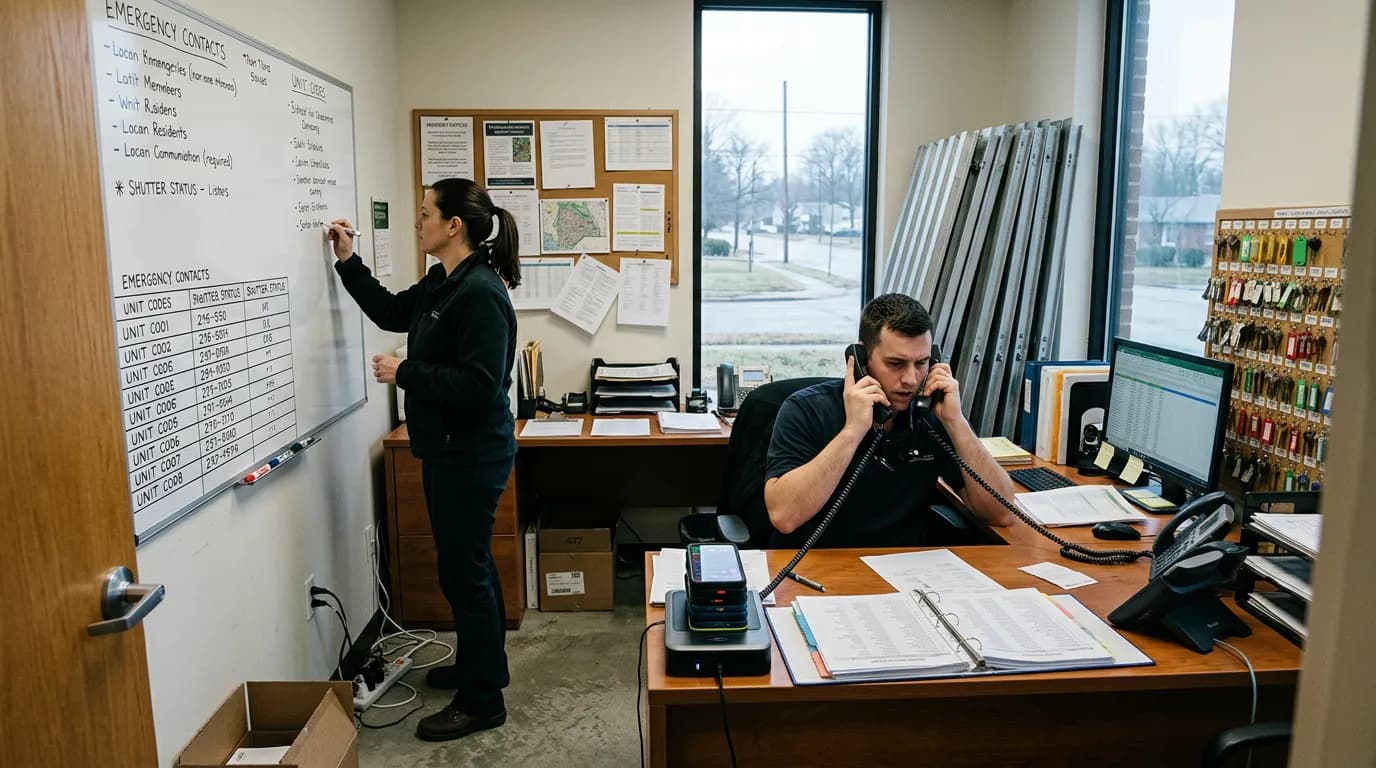
Best Phone Systems for Small Business in 2025: Honest Picks for Teams That Can't Afford to Miss a Call
HOA and property management offices need more than sales-team phone tools. See how Allo, OpenPhone, Dialpad, Nextiva, and QuorumVoice handle resident calls.

40 HOA & Property Management Text Message Templates (Copy-Paste Ready)
40 copy-paste HOA and property management text templates for missed calls, maintenance updates, dues reminders, and after-hours compliance.
SMS Opt-In Examples & Compliant Templates for HOAs and Property Managers
Copy-paste SMS opt-in examples and compliant templates built for HOAs and property managers, covering 10DLC rules, confirmation texts, and consent tracking.