Your business line, on every screen you use.
One account and one shared record on your desk, your phone and the web. The desktop app rings with the browser closed, the phone apps ring on a locked screen, and the web needs nothing installed.
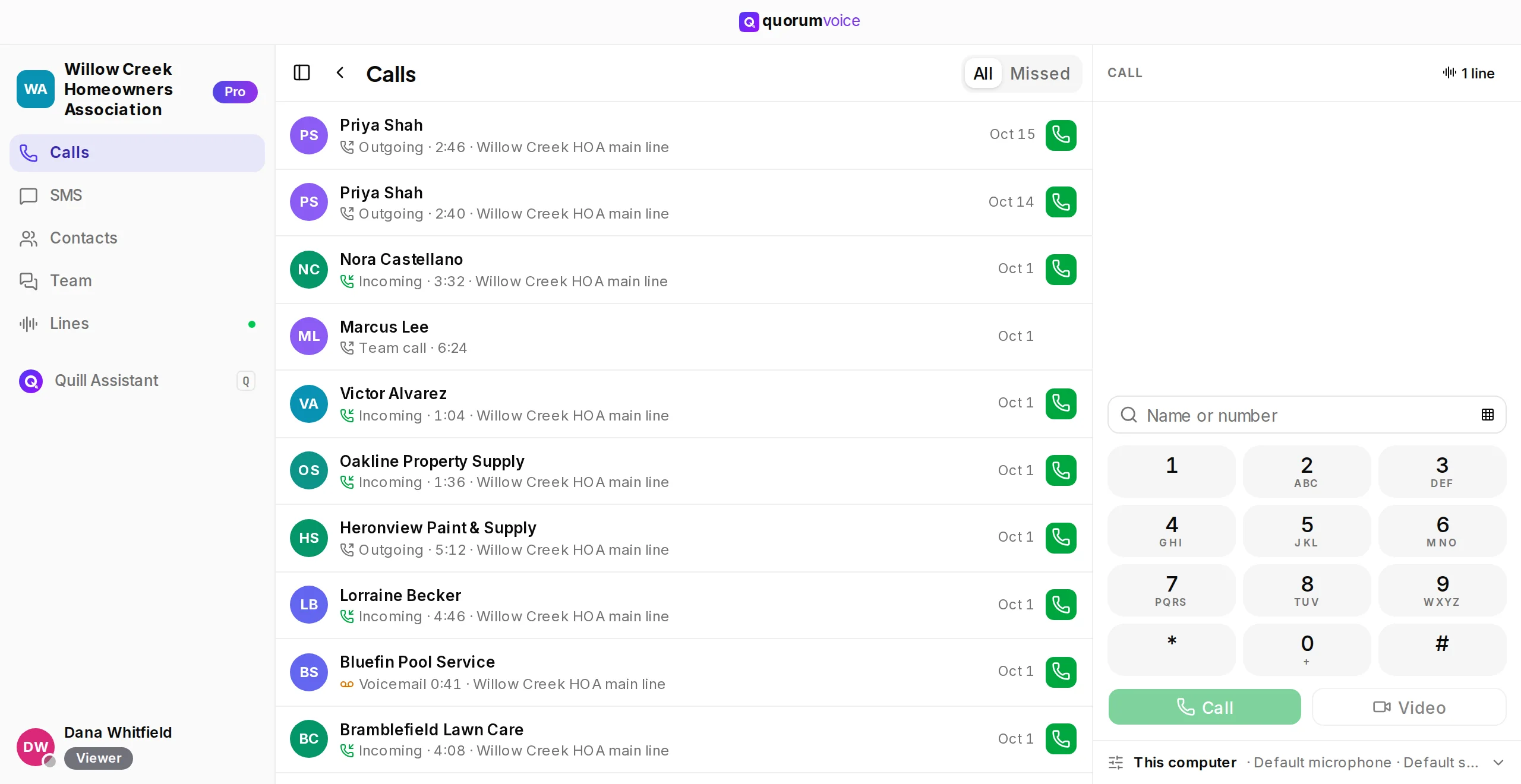
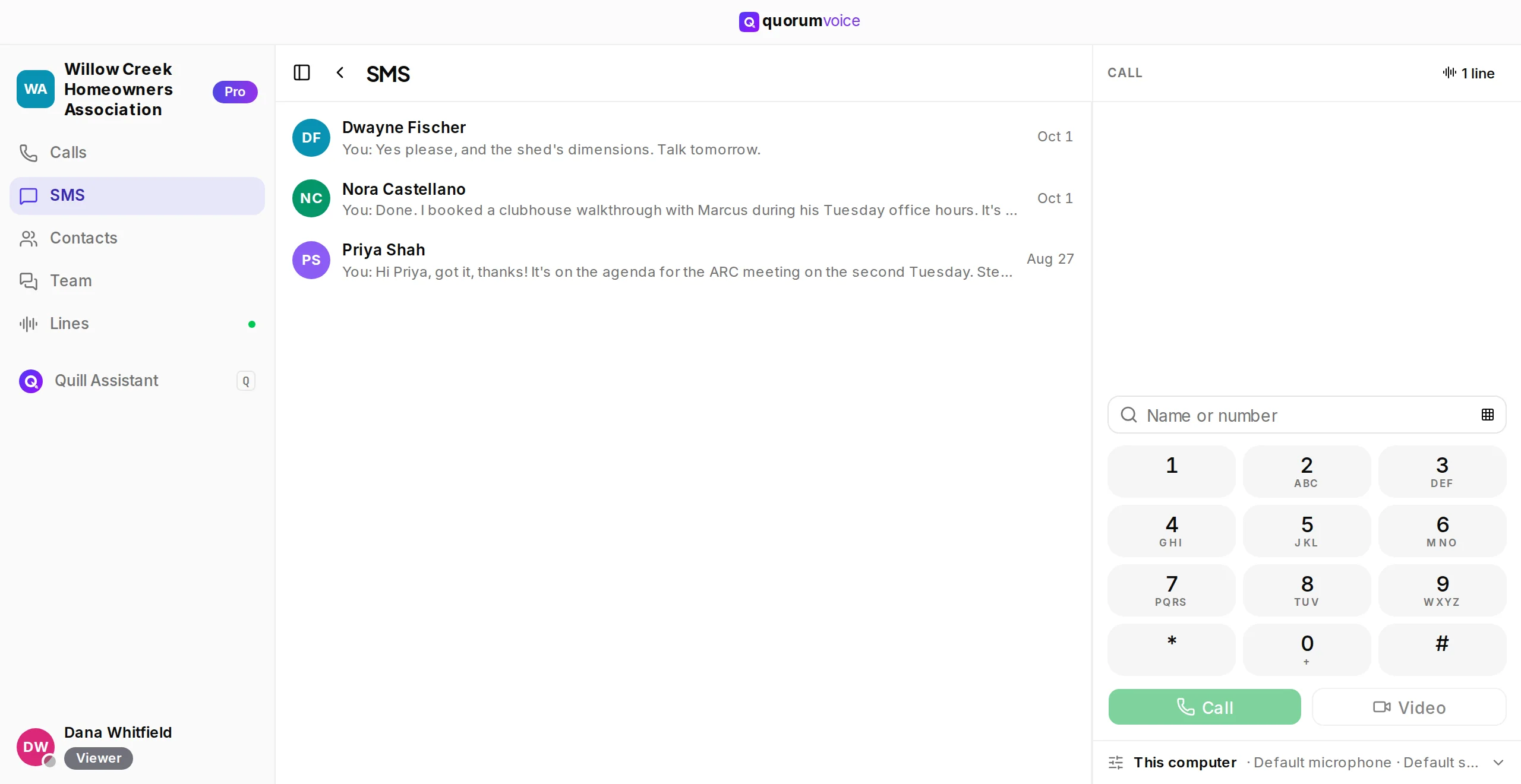
The desktop app, shown with a demo organization’s records.
The desktop app. For the calls you take at a computer all day.
Rings with the browser closed.
A small window of its own and an icon in the menu bar or system tray. Calls ring on your desk even when no browser tab is open.
Calls, texts and the dial pad together.
Your recent calls and every SMS conversation beside the call column, so you can call back or dial in one click.
Signs in through your browser. Updates itself.
It opens your browser to sign in, then hands you back. New versions download in the background and install the next time you quit.
Wednesday, September 23
9:41QuorumVoice for iPhone and iPad. Coming to the App Store.
- Rings on a locked screen, like any phone call.
- A Live Activity shows the call on the lock screen and in the Dynamic Island, on supported iPhones.
- The shared inbox, contacts, Loose Ends and Quill Assistant in your pocket.
Requirements: iOS 15.1 or later. On iPad it runs as the iPhone app.
Leave your work email to join early access. We’ll let you know when it’s on the App Store.
Inbox
TODAY
YESTERDAY
QuorumVoice for Android. Coming to Google Play.
- Rings on a locked screen, like any phone call.
- Calls, texts with photos and your team’s messages in one app.
- The shared inbox, contacts, Loose Ends and Quill Assistant in your pocket.
Requirements: Android 7.0 or later
Leave your work email to join early access. We’ll let you know when it’s on Google Play.
QuorumVoice on the web. Nothing to install.
- Calls, texts, email, meetings and the whole inbox in the browser.
- Settings, billing and your team’s setup live here too.
- Sign in from any computer and pick up where you left off.
Requirements: The current version of Chrome, Edge, Safari or Firefox, with a microphone for calls
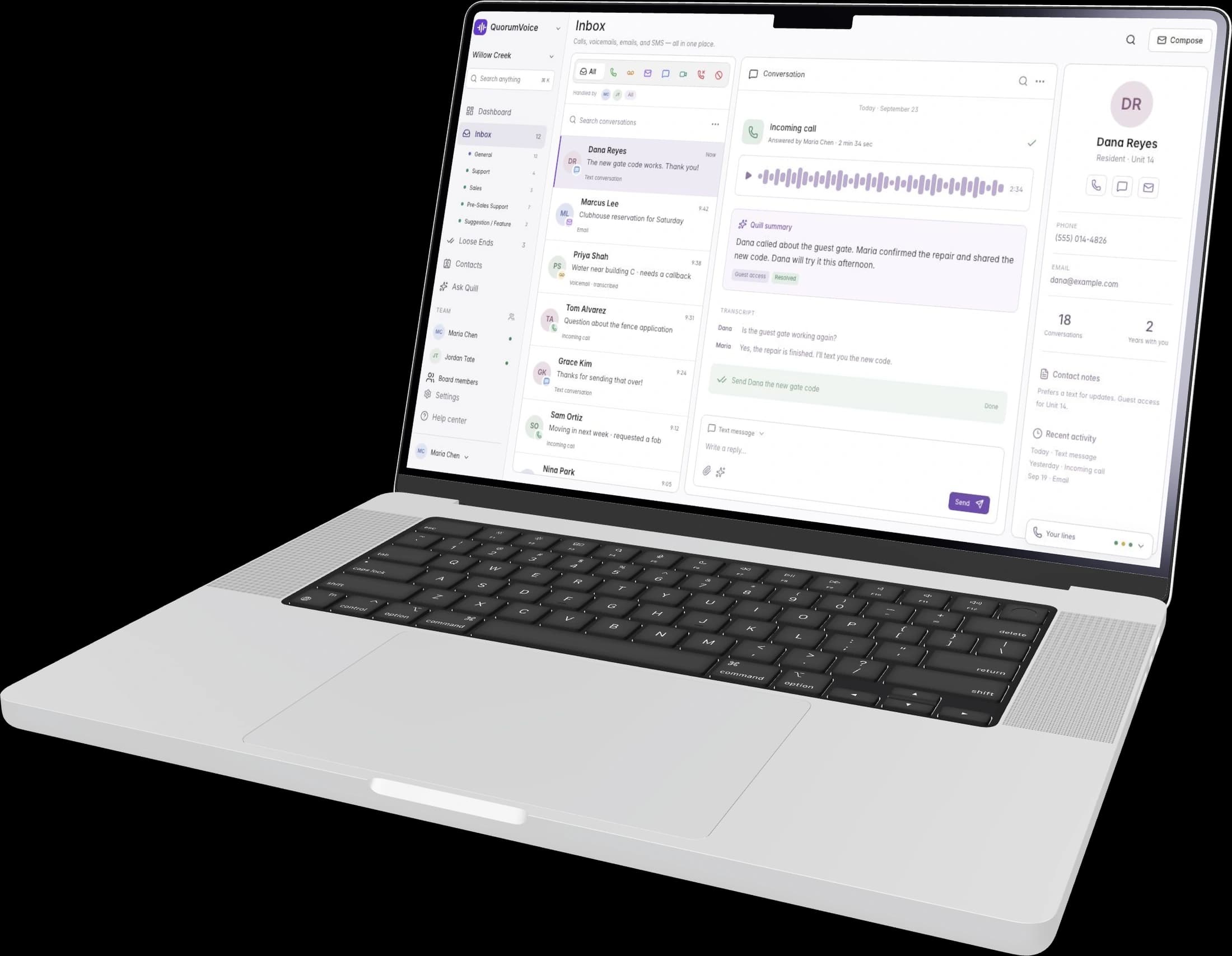
Setting up a new device? System requirements, signing in and tips for every app.
Read the install guideQuestions about the apps
Not a tablet layout yet. On an iPad, the iPhone app runs at iPhone size once it is in the App Store, and on an Android tablet the Android app runs as it does on a phone. On any tablet you can also use the web app in the browser.
Yes. Sign in on your computer, your phone and the web with the same account, all at the same time. Every device shows the same inbox, contacts and history, because they all read your organization’s one shared record.
All of them. When a call comes to you, every device you are signed in on rings at the same time, and the one you answer takes the call. If you don’t answer, the call moves on to the next person in the ring order or to voicemail.
No. The web app places and takes calls in the browser. The desktop app adds its own window, a tray or menu bar icon and ringing even when the browser is closed, so it is worth installing if you take calls at a computer all day.
The web app is always the latest version. The desktop app downloads new versions in the background and installs them the next time you quit it. The phone apps get most updates by themselves shortly after you reopen them; a few changes need a store update instead.