
Works with your desk / office phone system.
Keep the desk phones and office phone system you already have. QuorumVoice connects to them over SIP, so one person can call from the handset, the browser or the mobile app, all on one account.
Or talk to Quill live in your browser →Call from whichever is closest.
The desk phone sits on the same QuorumVoice account as the browser and the mobile app. Wherever you dial from, people see your business number.
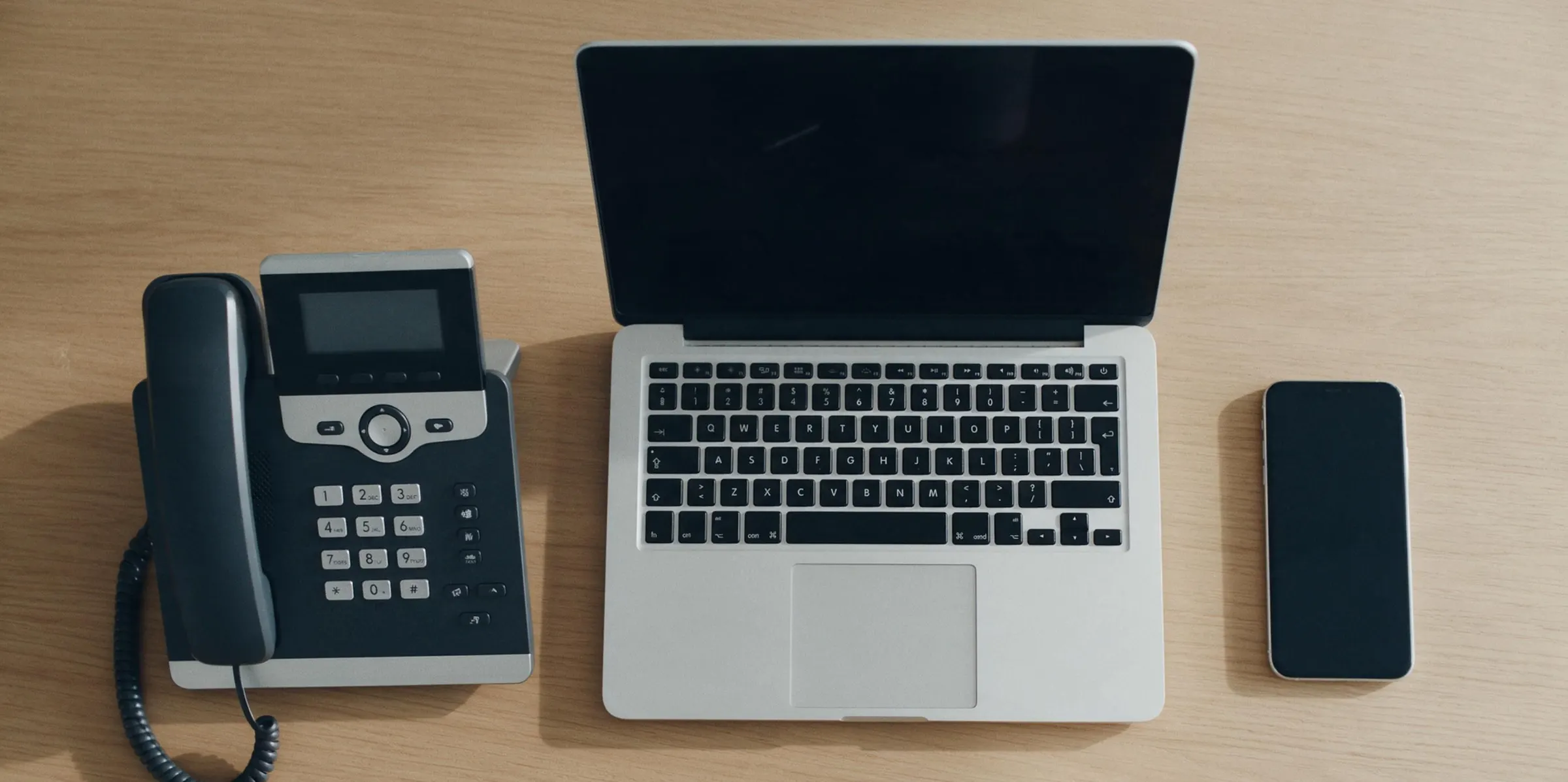
Illustrative example: three calls from one person’s day, with example names.
At the desk.
Dial from the desk phone’s keypad. The call goes out as your direct line, or the main line if you don’t have one.
In the browser.
Call from the QuorumVoice web app on any computer, with the same lines and contacts.
On the mobile app.
Away from the desk, call from your iPhone or Android phone on the same account.
Nothing to rip out.
QuorumVoice connects to SIP desk phones and office phone systems, so the phones your team knows stay on their desks.
Your phones stay on the desk.
It’s tested with UniFi Talk, and it works with SIP desk phones and office phone systems. No new hardware to buy: connect the phones you already own.
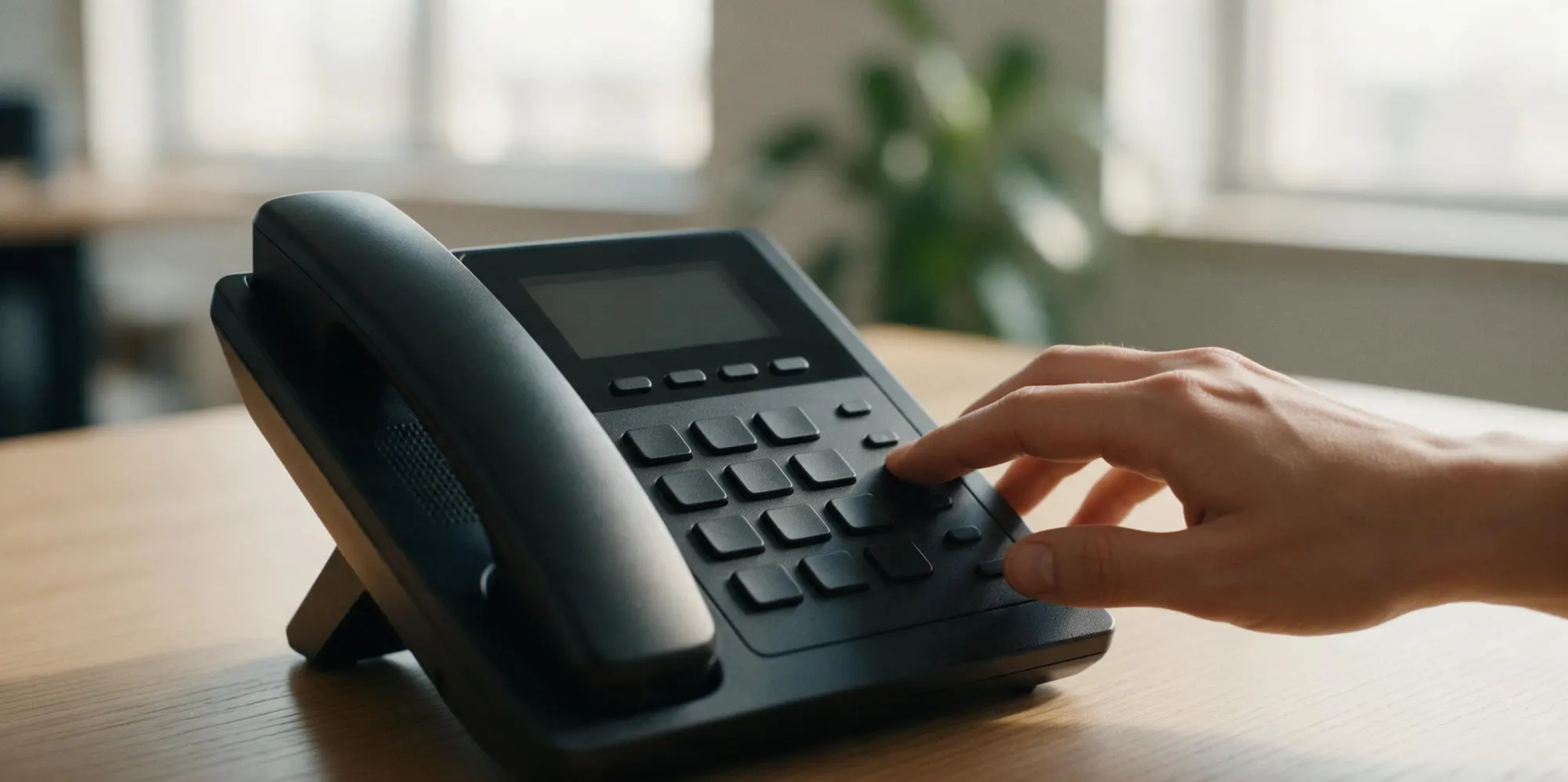
Connect the phone you already have.
- 1
Add the phone in QuorumVoice.
An owner or admin adds a desk phone for a team member. QuorumVoice creates its SIP sign-in and shows it once.
- 2
Enter the sign-in.
Type the server, username and password into the phone, or into your office phone system, such as UniFi Talk.
- 3
Dial from the keypad.
Calls from the keypad go out with the member’s caller ID, and the phone shows on their account beside the browser and the mobile app.
On UniFi Talk? Follow the step-by-step setup guide

Leave the desk. Keep the number.
When you head out, the mobile app calls from the same business number, and the desk phone is right where you left it.
Desk phones come with the Portfolio plan.
Portfolio is $599 a month. QuorumVoice doesn’t sell phones; bring the ones you already own.
Compare plans →Questions about desk phones
QuorumVoice connects over SIP, the standard business desk phones and office phone systems use. It is tested with UniFi Talk and works with SIP desk phones and office phone systems. If you are not sure about yours, ask us before you set it up.
No. Keep the phones and the system you have. An owner or admin creates a SIP sign-in in QuorumVoice and you enter it on the phone or in your phone system.
Calls dialed from the desk phone go out as the member’s own direct line when they have one, otherwise as the organization’s main line.
Yes. The desk phone is added to the member’s account next to the QuorumVoice web app and the mobile app, so they can call from whichever is closest.
Owners and admins add desk phones for the members of their organization. The phone’s sign-in is shown once, when it is created.
Desk phones come with the Portfolio plan. Portfolio is $599 a month. QuorumVoice doesn’t sell phones; you use the ones you already own.