Best Phone System for Plumbing Businesses in 2025: How to Never Miss a Job Call Again
A field-tested guide to the best plumbing phone systems in 2025, comparing pricing, AI answering, and missed-call handling for every crew size.
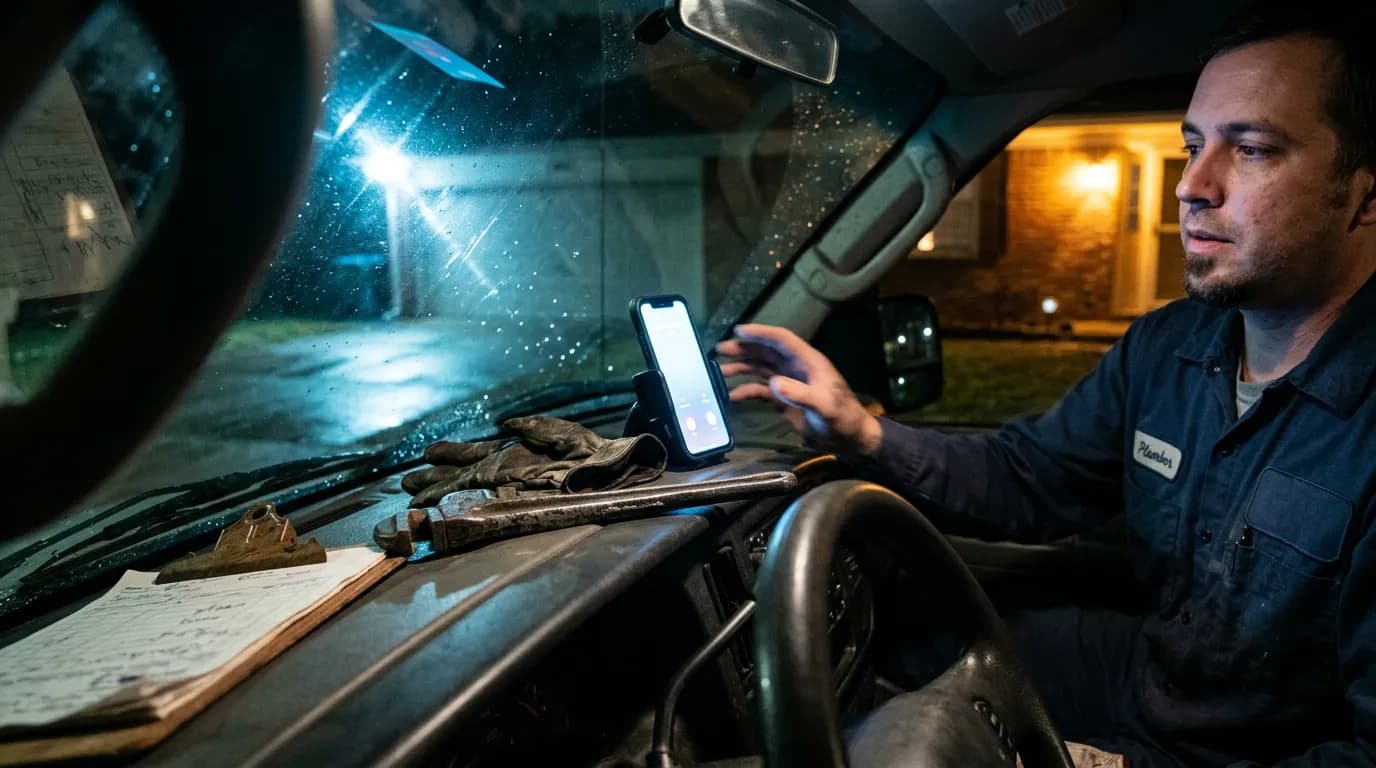
When a resident's water heater bursts at 11 p.m., the phone that rings first decides everything. Either the job gets logged and dispatched, or it disappears into a voicemail nobody hears until Monday. That's the real test behind any search for the best plumbing phone systems: not a shiny dashboard, but a guarantee that every call becomes a ticket. This guide serves two readers — plumbing business owners running solo, small-crew, or multi-truck operations, and the HOA and property management offices that dispatch those plumbers and field resident emergencies in between.
By Derrick Threatt, field-service telecom consultant. Updated for 2025 with current vendor pricing and G2 ratings.
Plumbing crews comparing phone systems can jump straight to the pricing and feature comparison; property managers and HOA offices dispatching plumbers can skip ahead to the property manager communications section.
TL;DR: The Best Plumbing Phone Systems at a Glance
- Google Voice — best for a solo plumber already on Google Workspace who just needs a separate number.
- Talkroute — best flat-rate pick for a small crew that wants custom call flows without per-user pricing.
- Quo (formerly OpenPhone) — best AI call summaries for a growing crew that lives on mobile.
- Nextiva or RingCentral — best for multi-truck operations that need call analytics and multiple queues.
The rest of this guide breaks down why, with pricing, AI answering tiers, and pros/cons for each platform.
Choosing the Best Plumbing Phone Systems by Crew Size, Not Feature List
Most buying mistakes happen because a one-truck operation buys a system built for a 40-seat call center, or a multi-truck company tries to run dispatch off a consumer app. Sort yourself into one of three buckets before comparing features.
Solo operators
You're the answering service, the tech, and the biller. Priority one is a business number that follows your cell with call screening and missed call text back for contractors, so a call you couldn't take under a sink still gets a same-hour reply. An AI receptionist matters most here, since there's no office staff to catch the overflow. If you also run heating and cooling work alongside plumbing, our breakdown of AI answering services for HVAC companies covers the same evaluation from that angle.
Small crews (2–8 techs)
You need call routing systems built for small business use — routing by service area or specialty, a shared line the office can monitor, and basic on-call scheduling for nights and weekends. This is where AI answering paired with SMS handoff to whoever's on call earns its cost fastest.
Multi-truck operations
At this size, the phone system for your plumbing business has to talk to your dispatch software — Jobber or ServiceTitan are the two most common — and support multiple queues, call recording for training, and reporting on answer speed. A missed call here isn't one lost job; it's a pattern worth tracking every week, not after it costs you a five-star review.
Five Things a Plumbing Business Phone System Must Get Right
Generic phone-system reviews grade on hold music and voicemail transcription. Field service has different stakes. Score any candidate against these five before you even look at price.
- Missed-call handling: Does a missed call trigger an automatic text-back, and can that text collect the caller's issue before a human calls back?
- Emergency call routing: Can after-hours or keyword-flagged calls (flooding, no heat, gas smell) reach an on-call rotation instead of a general voicemail box?
- Mobile app quality: Techs live in trucks. If the app drops calls, delays texts, or drains battery, the office reverts to personal cell numbers within a month.
- Transparent pricing: Watch for per-user minimums, AI answering gated behind a top tier, and SMS or toll-free number add-ons that turn a $20 quote into $60.
- Contract terms: Month-to-month with a real cancel button beats a discounted annual plan you can't exit if the AI features underdeliver.
Best Plumbing Phone Systems Compared: 2025 Pricing, AI Answering, and G2 Ratings
Pricing on VoIP platforms changes often, so confirm current numbers on each vendor's site before you buy. The ranges below reflect published entry and mid-tier plans at the time of writing, and ratings come from G2's business phone systems category.

| Platform | Starting Price | AI Answering | G2 Rating | Best For |
|---|---|---|---|---|
| Google Voice | ~$10/user/mo | Call screening only, no true AI receptionist | 4.4 | Solo operators already on Google Workspace |
| Grasshopper | ~$14/mo flat | None | 4.3 | Very small crews wanting a simple virtual number |
| Talkroute | ~$19/mo | Auto attendant, no AI transcription | 4.5 | Small crews needing custom call flows |
| Quo (formerly OpenPhone) | ~$15/user/mo | AI call summaries on mid and top tiers | 4.7 | Small-to-mid crews wanting a modern mobile app |
| Allo | ~$18/user/mo | AI receptionist add-on | 4.6 | Small businesses wanting a lighter OpenPhone alternative |
| Nextiva | ~$20/user/mo | AI answering on higher tiers | 4.5 | Multi-truck operations needing call analytics |
| RingCentral | ~$20/user/mo | AI answering on advanced/ultra tiers | 4.1 | Larger companies with multiple locations |
Almost every vendor above offers a free trial, but check whether it includes AI answering or only the base calling plan — several gate the feature that actually solves the missed-call problem behind a plan upgrade.
Pros and Cons of Each Plumbing Phone System
Google Voice
Pros: low cost, familiar interface, syncs with Google Workspace.
Cons: no real emergency call routing logic, no AI receptionist worth the name, screening only tells you who's calling instead of answering for you.
Grasshopper
Pros: flat pricing, quick setup, extensions for a handful of techs.
Cons: no AI answering, limited routing rules, a busy night still funnels straight to voicemail.
Talkroute
Pros: transparent pricing, custom call flows, schedule-based routing that can send after-hours calls to a different queue.
Cons: no AI transcription, so someone still listens to every voicemail manually; thin third-party integrations.
Quo (formerly OpenPhone)
Pros: mobile-first app, AI call summaries that transcribe voicemails and flag urgency, useful for a dispatcher scanning a backlog in the morning. It's also the most-searched OpenPhone alternative for teams wanting a modern feel.
Cons: per-user pricing adds up fast once you're staffing a full crew.
Allo
Pros: AI receptionist add-on at a lower entry price than Quo, decent shared-inbox view for a small office.
Cons: smaller integration library, fewer field-service-specific templates than dedicated plumbing dispatch tools.
Nextiva
Pros: call analytics, CRM integrations, better suited to tracking answer rates and volume over time.
Cons: AI answering tier costs more, and setup takes longer than the lighter apps above.
RingCentral
Pros: enterprise reliability, deep reporting, multiple queues for several branches or a dispatch center.
Cons: more than most single-location plumbing businesses need, and the lowest G2 rating of the group.
AI Receptionist vs. Virtual Receptionist vs. Human Answering: Which Handles After-Hours Calls Better?
An AI receptionist is software that answers a call in place of a human, asks scripted questions, transcribes the conversation, and routes or texts a summary to staff — the role a "virtual receptionist" used to describe when that meant a live person answering remotely. The terms get used interchangeably now, but a true AI receptionist doesn't need breaks, sick days, or a shift schedule.
Where a live on-call rotation still wins: judgment calls. A homeowner describing a complicated leak, a frustrated caller who needs to vent before giving details, or a job that needs pricing on the spot — a human handles nuance an AI receptionist can't yet fake. Most plumbing operations use AI to catch every call and filter routine intake, then hand emergencies to a human within minutes. For a deeper cost comparison, see this breakdown of AI answering versus live receptionist costs.
Missed Call Text Back for Contractors: Why It Matters for Plumbers
A missed call from a homeowner rarely turns into a callback later that day — they call the next plumber on the list. Missed call text back for contractors closes that gap automatically: the instant a call goes unanswered, the caller gets a text acknowledging the miss and asking what's wrong, so the office has a written record and a warm lead instead of a dead ring. Pair it with an auto attendant script that asks for address, issue, and callback window up front, and the office starts the day with usable job details instead of a string of unreturned calls.
Why Property Managers Need Their Own Communications Layer
An HOA or property management office faces a different problem than any platform above solves. You're not running one plumbing business's phone line — you're the intake point for residents and the dispatcher deciding which vendor to call, text, or hand off with context. The plumber might run Google Voice, Talkroute, or nothing formal at all. That's fine, as long as your side of the conversation is captured somewhere that isn't a sticky note or a manager's personal phone. This is also where call tracking software matters for apartment and community offices specifically — not just answering calls, but logging every resident and vendor interaction against a unit or contact record.
This is the gap a tool like QuorumVoice fills. It's a business phone line with an AI receptionist, Quill, that answers resident calls, transcribes them, and logs every call, voicemail, text, and email to a single timeline per contact. It doesn't replace your HOA or property management software, and it doesn't touch payments, violations, or documents — it sits underneath the workflow you already run. For more, see this guide to AI answering services for property managers and how overwhelmed HOA offices are using AI phone systems.
The After-Hours Emergency Call Flow, Step by Step
Here's what the handoff looks like when the communications layer is set up correctly:
- A resident calls the community's published line at 10 p.m. about a leaking ceiling.
- Quill answers instead of sending the call to voicemail, asks for unit number and nature of the issue, and transcribes the conversation in real time.
- The on-call manager gets an SMS summary within seconds — no need to dial in and listen to a recording.
- The manager reviews the transcript, decides which plumbing vendor is on rotation, and calls or texts them directly with the details already gathered.
- The vendor's response, ETA, and confirmation get logged back to the resident's contact record, so the morning shift has the full history without a callback.
Before any of this works, the after-hours voicemail greeting or auto attendant script matters more than most offices realize. A greeting that just says "leave a message" trains callers to hang up and try someone else. A better script says: "If this is an emergency involving flooding, no heat, or a gas smell, stay on the line and I'll get you connected now." At minimum, capture the unit or address with access instructions, the nature of the emergency, a preferred callback window, whether the unit is occupied, and any prior history with the same issue — a checklist that's easy to build into an AI answering script since the questions repeat every time.
Texting, Consent, and Keeping Your Published Number
Once a plumbing emergency turns into a text thread — ETA updates, access codes, appointment reminder texts, confirmation the leak stopped — you're sending messages under a law that doesn't care how urgent the situation felt. The Telephone Consumer Protection Act governs consent for texting residents. Two types of consent apply:
- Implied consent: covers service-related messages tied to an open request. Most offices already have this.
- Documented opt-in: required for recurring vendor-status texts or promotional follow-ups. Build this into move-in paperwork rather than asking for it mid-emergency.
See this 2025 TCPA consent playbook for property managers for the full framework, and check the FCC's own TCPA rules fact sheet directly.
Communities also publish one number on signage and resident handbooks for years, so switching carriers shouldn't mean changing that number — or losing a vanity or toll-free number residents already recognize. Number portability lets you move a published line between carriers without residents noticing anything changed; the FCC's guide to porting a phone number covers the legal right to port, though the actual timeline depends on both providers coordinating the transfer. Also confirm your new provider supports proper E911 registration for VoIP lines — a separate setup step that matters if an emergency call needs to reach responders with the right address.
Metrics That Prove Your Plumbing Phone System Is Working
Once the system is in place, track a small set of numbers monthly. Keep a simple call log template — date, caller, issue, outcome, response time — even if your platform's built-in reporting covers most of it, so you have a backup record if a resident or client disputes response time.
- Missed-call rate: aim for under 5% of inbound calls going unanswered by a human or AI receptionist.
- Time to callback on emergencies: target under 15 minutes for flagged urgent calls, day or night.
- Voicemail-to-transcript lag: should be near zero if AI answering is doing its job.
- Vendor confirmation time: how long between handoff and the vendor confirming they're on the way, tracked per vendor to spot slow responders.
- Repeat-call rate: residents calling back about the same issue within 48 hours signals the first handoff missed a detail.
Common Ways Plumbing Phone Setups Fail
- AI answering is turned on but never tested at night: run a test call monthly to confirm routing and transcription work when it counts.
- The published number and the working number drift apart: after a carrier switch, someone forgets to update the website or handbook, and calls hit a disconnected line.
- Vendor callbacks happen from a manager's personal cell: nothing gets logged, and there's no record if a resident disputes response time.
- Pricing surprises after signup: AI answering or SMS gets gated behind an upgrade the office didn't budget for.
- No consent trail for texts: a manager starts texting ETA updates to someone who never opted in, creating compliance exposure over something that felt routine.
What Is the Best Plumbing Phone System? FAQ
There's no single winner — it depends on crew size and budget. Google Voice fits a solo plumber already on Google Workspace. Talkroute suits a small crew wanting flat-rate custom call flows. Quo (OpenPhone) fits a small-to-mid crew that wants AI call summaries on a mobile-first app. Nextiva and RingCentral fit multi-truck operations needing analytics and multiple queues. Score any candidate against missed-call handling, emergency routing, mobile app quality, transparent pricing, and contract terms before comparing price alone.
For most small plumbing businesses, the best phone system pairs a VoIP business line with built-in AI answering so after-hours calls get transcribed and routed instead of hitting voicemail. Quo, Allo, and Talkroute all fit this range without enterprise-level pricing.
Entry plans run roughly $10–$20 per user per month, but AI answering, toll-free numbers, and SMS often sit behind a mid or top tier — so the advertised price and the price you actually need can differ by $10–$40 per user monthly. Always check whether a trial includes AI answering or just base calling.
Yes. Mixing a personal cell with business calls means no call routing, no shared visibility for staff, and no clean record if a customer disputes when you called back. A separate line, even a low-cost one, is the baseline before adding AI answering or call routing.
An AI receptionist answers calls instead of routing them to voicemail, asks scripted intake questions — name, address, issue — and transcribes the conversation into a summary sent to staff by text. Some, like Quill, also flag urgency keywords so emergencies get escalated instead of sitting in a queue with routine calls.
Several of the platforms above, particularly Nextiva and RingCentral, offer integrations or Zapier-style connections to Jobber and ServiceTitan so call logs and texts sync to a job record. Confirm the specific integration exists on your plan tier before assuming it's included — some gate it behind a higher-priced package.
Missed call text back automatically sends a text to anyone whose call wasn't answered, asking what they need. It turns a dead ring into a written lead and a same-hour reply instead of losing the caller to the next plumber they try.
For a solo operator already on Google Workspace, Google Voice covers the basics — a separate number, call screening, and simple forwarding. It has no real AI receptionist and weak emergency routing, so it stops working well the moment you add staff or start missing calls after hours.
Set a schedule-based rule that sends after-hours calls to an AI receptionist or an on-call rotation instead of a general voicemail box, flag keywords like "flooding" or "gas smell" for immediate SMS alerts to whoever's on call, and test the routing after hours at least once a month to confirm it still works.
If you're a plumbing business owner reading this on a Sunday because a call slipped through last week, the first move is simple: pick your crew-size bucket above, run one candidate through the five evaluation criteria, and turn on AI answering for a two-week test before committing to a contract. If you're a property manager juggling multiple vendors, map your last five emergency calls and ask where the record of that conversation actually lives today. If the honest answer is "someone's phone," that's the gap worth closing this week — regardless of which of the best plumbing phone systems your vendors end up choosing on their own.
Derrick Threatt has spent over a decade advising field-service and property-management teams on call handling and dispatch workflows, and writes on telecom and communications tooling for QuorumVoice, the company that publishes this guide and whose product, Quill, is featured in the property manager section above.
Written by

Derrick Threatt is an AI Automation Engineer and marketing operations leader who builds AI-driven systems, automations, and data workflows to improve revenue, operations, and team productivity.
View all posts →Latest from the blog. Keep reading.
View all →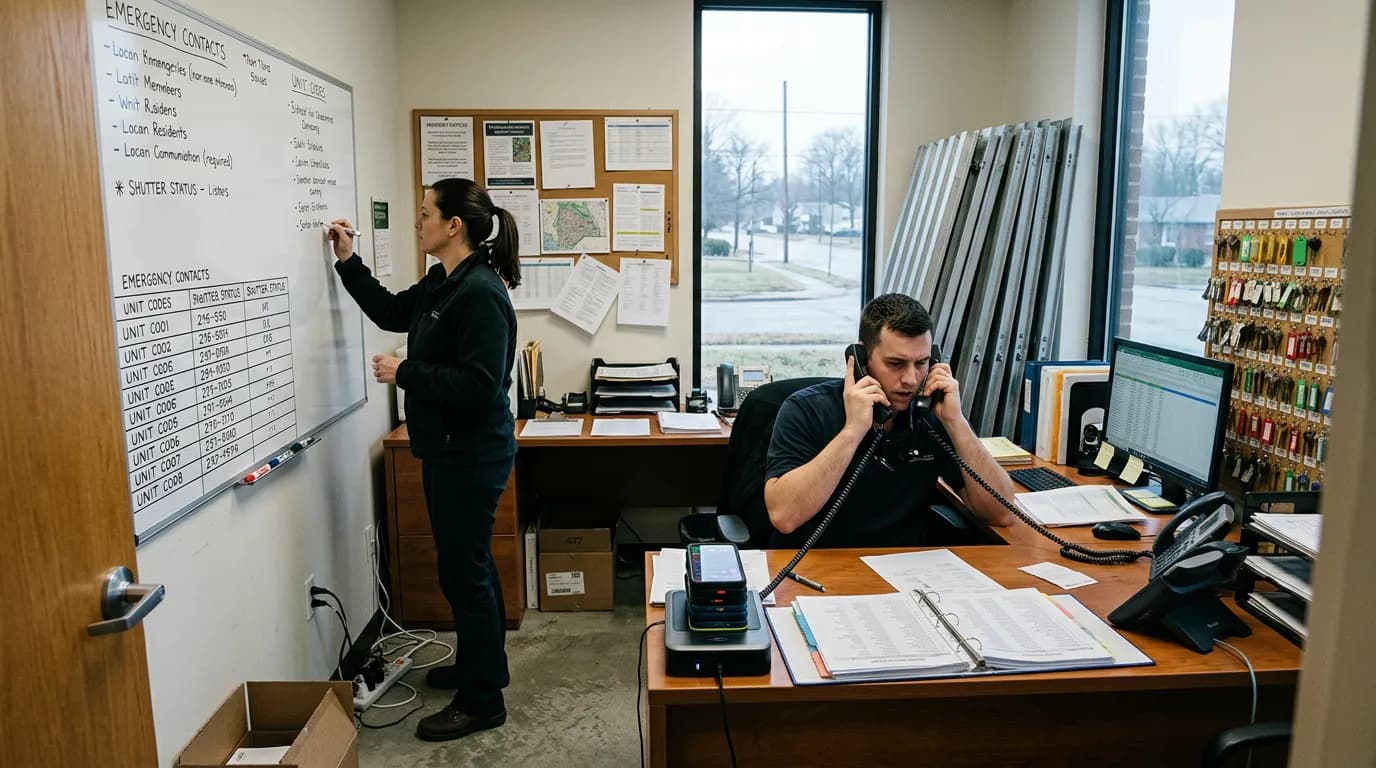
Best Phone Systems for Small Business in 2025: Honest Picks for Teams That Can't Afford to Miss a Call
HOA and property management offices need more than sales-team phone tools. See how Allo, OpenPhone, Dialpad, Nextiva, and QuorumVoice handle resident calls.

40 HOA & Property Management Text Message Templates (Copy-Paste Ready)
40 copy-paste HOA and property management text templates for missed calls, maintenance updates, dues reminders, and after-hours compliance.

SMS Opt-In Examples & Compliant Templates for HOAs and Property Managers
Copy-paste SMS opt-in examples and compliant templates built for HOAs and property managers, covering 10DLC rules, confirmation texts, and consent tracking.