Best Phone Systems for Small Business in 2025: Honest Picks for Teams That Can't Afford to Miss a Call
HOA and property management offices need more than sales-team phone tools. See how Allo, OpenPhone, Dialpad, Nextiva, and QuorumVoice handle resident calls.
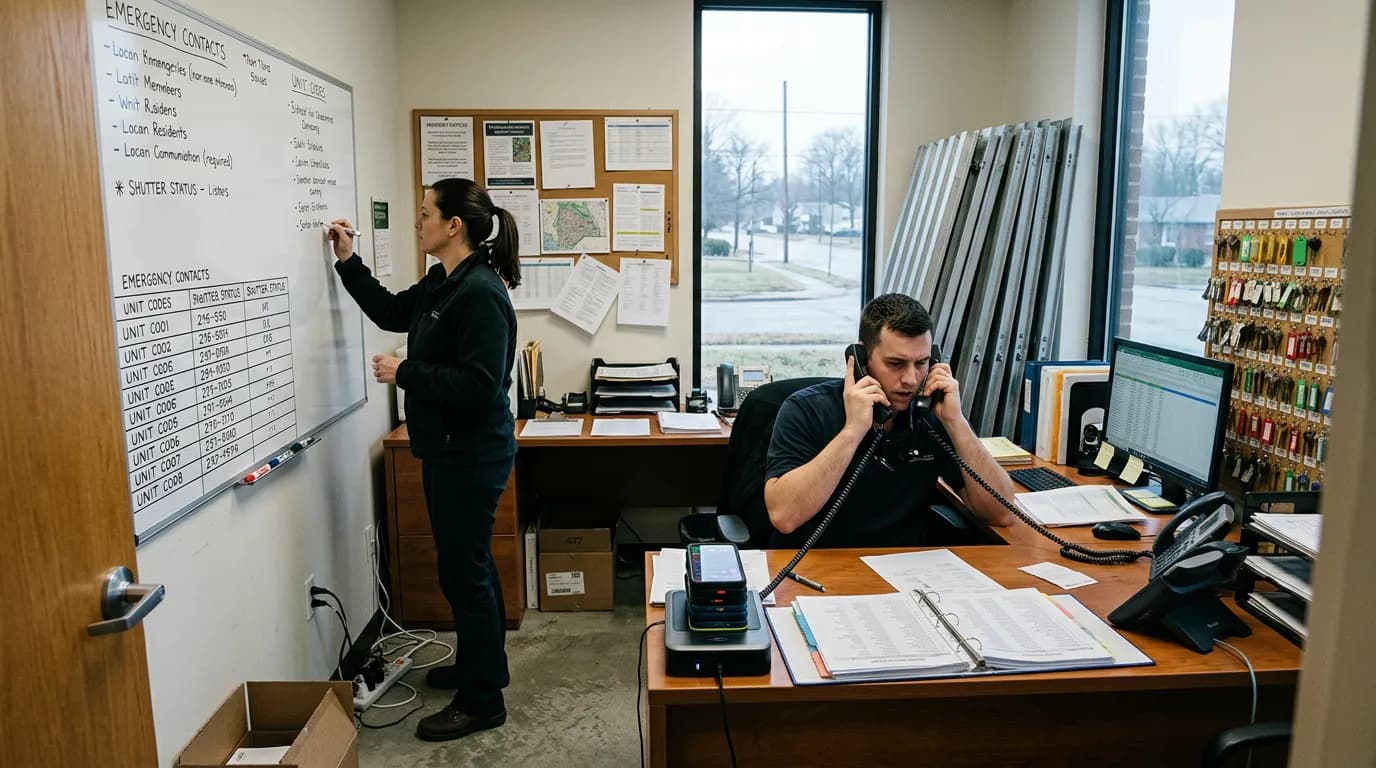
If you manage an HOA or a small portfolio of properties, the phone doesn't ring with sales leads — it rings with a resident who smells gas, a board member who needs the gate code changed before a storm, or a homeowner disputing a violation notice at 9pm on a Friday. This guide compares the phone systems small offices actually consider — Allo, OpenPhone (Quo), Google Voice, Dialpad, Grasshopper, Nextiva, and QuorumVoice — against the reality of resident call volume, after-hours coverage, and the documentation a board might need later. By the end, you'll know which system fits a two-person office, which fits a growing management company, and how to set up after-hours routing this week.
Why a Missed Call Is Never Just a Missed Call for a Community Office
A missed sales call costs a business a lead. A missed HOA call can mean a flooded unit goes unreported overnight, a board member fields an angry homeowner on their personal cell, or a dispute ends up in front of an attorney with no record of what was actually said. Small management offices run lean — often one or two people covering an entire community or a handful of associations — which means the phone system has to do work a full front desk would otherwise do: answer, route, log, and follow up. Picking the wrong tool doesn't just cost convenience; it costs trust with residents and, sometimes, the board's own liability protection.
What to Line Up Before You Compare Systems
Before testing any phone system, gather the following so you're comparing tools against your actual workload instead of a features page:
- Your average daily and after-hours call volume (check current call logs or ask your answering service for a monthly count)
- A list of the software you already use — Buildium, AppFolio, TOPS [ONE], QuickBooks, or a shared spreadsheet
- Your current business hours and who is responsible for emergency escalation after those hours
- Any board policy on record retention for resident communications or dispute documentation
- A rough monthly budget per phone line or user
Define What "Best" Means for a Resident-Facing Office
"Best" changes depending on who's asking. A sales team wants dialer speed and CRM sync. A resident-facing office needs something different: reliable answering during business hours, a real plan for after-hours calls, a record of every conversation tied to a specific resident or unit, and integrations that don't force a switch away from the property management software already in use. We evaluated each system on five points: pricing transparency, ease of setup for a non-technical staff member, integration options, whether AI answering exists (and how well it works after hours), and the quality of support you get when something breaks on a weekend.
Know How We Evaluated These Six Systems
A disclosure up front: this guide is published on QuorumVoice's blog, and QuorumVoice is one of the products compared below. That's a real conflict of interest, and we'd rather name it than pretend it doesn't exist. To keep this useful anyway, every system here — including QuorumVoice — is described with honest pros and cons, and the recommendations are organized by use case rather than a single ranked list with one winner at the top. Where we weren't confident about current pricing, we say so and link to the vendor's own pricing page instead of guessing.
Compare the Major Small Business Phone Systems Side by Side
Here's how the six most commonly recommended small business phone systems stack up on the basics. Pricing shifts often, so treat the ranges below as directional and confirm current numbers on each vendor's site.
| System | Best fit | Pricing tier | AI answering | Per-contact call log |
|---|---|---|---|---|
| Allo | Solo operators wanting a simple AI-assisted line | Low to mid | Yes, basic AI call handling | Limited |
| OpenPhone / Quo | Small teams that text residents often | Low to mid | Add-on transcription, no true receptionist | Yes, contact-based |
| Google Voice | Volunteer boards on a tight budget | Free to low | No | Minimal |
| Dialpad | Larger management companies wanting AI call summaries | Mid to high | Yes, strong transcription and summaries | Yes |
| Grasshopper | Solo property managers needing extensions | Low to mid | No | No |
| Nextiva | Multi-community management firms | Mid to high | Add-on AI receptionist | Yes, with CRM tie-in |
| QuorumVoice | HOA and property management offices needing after-hours coverage and per-resident logging | Custom, see quorumvoice.com | Yes, Quill AI receptionist | Yes, every call/SMS/email to one timeline |
A quick note on names: OpenPhone has announced it is transitioning to the name Quo. If you search "OpenPhone" and land on pages branded Quo, that's the same company mid-rebrand, not a different product — check OpenPhone's site directly to confirm current features and pricing.
Check Which Systems Actually Fit an HOA or Property Management Call Volume
Generic "best of" lists rarely test against resident call patterns, so here's how each system holds up specifically for community and property management offices:
- Allo: Handles a basic AI-answered line fine, but has no concept of "resident" or "unit" — calls log as generic contacts, not tied to an address or account.
- OpenPhone / Quo: Good for a two-person office that texts a lot, but you'll still need a separate answering plan for true emergencies after hours, since its AI features are transcription-focused rather than a full receptionist.
- Google Voice: Workable for a self-managed HOA with a handful of calls a month. It falls apart quickly once call volume includes maintenance emergencies, since there's no queueing, no AI answering, and voicemail is the only after-hours option.
- Dialpad: Strong AI transcription and call summaries, which help larger firms review conversations quickly, but it's built for sales and support teams, not resident timelines by unit.
- Grasshopper: Simple extensions and greetings work for a small office, but there's no logging tied to a resident or an AI answering option — after hours, calls just go to voicemail.
- Nextiva: Capable of handling higher call volume across multiple associations, with CRM integration and an AI receptionist add-on, but the setup and pricing are built for bigger teams than a two-person HOA office.
- QuorumVoice: Built around exactly this workload — a dedicated business line, Quill (an AI receptionist) that answers after hours instead of sending residents to a generic voicemail box, and every call, text, and email logged to a timeline tied to the resident or unit. It is a communications tool, not a management platform — it doesn't touch payments, violations, or documents, and it's designed to run alongside Buildium, AppFolio, or TOPS rather than replace them.
For a deeper look at how AI receptionists specifically compare for this kind of office, see our practical guide to human vs. AI virtual receptionists for HOA boards.
Set Up After-Hours Routing So a Board Member Isn't the Backup Answering Service
Every system on this list lets you set business hours in some form, but what happens outside those hours varies a lot. Google Voice and Grasshopper route straight to voicemail with no AI involved. OpenPhone/Quo can auto-reply by text but stops short of a full spoken answer. Dialpad and Nextiva offer AI receptionist add-ons that can answer and route calls, though they're priced and configured for larger teams. QuorumVoice's after-hours setup is built specifically for this handoff: business hours are defined once, and outside those hours Quill answers live, asks the right triage questions for a maintenance or emergency call, and logs the interaction — instead of a board member's personal phone becoming the after-hours line by default.
Log Every Call the Way a Board Attorney Would Want It Logged
A separate, logged business line matters for reasons beyond convenience. Board members can carry personal liability for how communications are handled, and a documented record of meeting notices, maintenance requests, and dispute calls is often the difference between a board that can show it acted reasonably and one that can't. The Community Associations Institute publishes governance guidance that touches on this kind of documentation, and most HOA attorneys will tell you the same thing: if a call happened, you want a record of it that isn't sitting on someone's personal phone. This is one of the clearest reasons a dedicated business number — logged per resident, not per employee's device — belongs in every HOA's toolkit, and it's a big part of why QuorumVoice's timeline-per-contact approach fits this use case specifically.
Keep Your Existing Management Software — Just Add the Phone Line
None of the systems in this comparison are meant to replace Buildium, AppFolio, or TOPS, and you shouldn't look for one that tries. The phone system's job is to answer, route, and record; the management software's job is accounting, violations, work orders, and documents. QuorumVoice and most of the tools above run as a communications layer on top of whatever management software your office already uses — check whether the vendor supports the specific integration you need (calendar sync, contact import, or a CRM connection) before assuming it will "just work." If you're still evaluating the management software side of the stack, our post on choosing HOA management software for high call volume offices covers that half of the decision.
Use This After-Hours Script on Day One
Whatever system you choose, an after-hours greeting only works if it tells residents what counts as an emergency and what can wait. Here's a script you can drop into almost any VoIP system's after-hours setting today:
Thank you for calling [Community/Company Name]. Our office is currently closed. If you're experiencing a life-threatening emergency, please hang up and dial 911. For urgent property issues — such as flooding, no heat in winter, or a security concern — press 1 to speak with our after-hours line. For all other matters, including account questions, maintenance requests, and general inquiries, please leave a message or send us a text, and we'll respond by the next business day. Thank you for your patience.
If your system supports SMS auto-reply, pair it with a text version residents can act on immediately, since many people will text before they'll leave a voicemail.
Which System Fits Your Office? A Quick-Pick Table
If you want a shortcut past the full comparison, match your situation to a pick below:
| Your situation | Pick |
|---|---|
| Volunteer-run HOA with very low call volume | Google Voice |
| Solo property manager who just needs extensions and a greeting | Grasshopper |
| Small team that texts residents constantly | OpenPhone / Quo |
| Two-person office fielding after-hours maintenance emergencies | QuorumVoice |
| Management company overseeing several communities with heavier call volume | Nextiva or Dialpad |
| Budget-first pick with basic AI call handling | Allo |
Tips for Rolling Out a New Phone System Without Confusing Residents
- Tip: Forward the old number before you cancel it. Most systems can port or forward an existing number so residents don't get a disconnect message during the switch.
- Tip: Test the after-hours greeting from a different phone before launch. What sounds fine on a laptop speaker can be hard to hear over a bad cell connection.
- Tip: Give the AI receptionist a real triage list. Vague instructions like "handle urgent calls" perform worse than a short, specific list of what counts as urgent for your community.
- Tip: Review call logs weekly for the first month. Early review catches misrouted calls or a greeting that's confusing residents before it becomes a pattern.
- Tip: Tell your board what gets logged and for how long. This heads off surprise later if a resident dispute requires pulling call records.
- Tip: Don't mix personal and business texting. If residents are used to texting a manager's cell, migrate that habit to the business number early, or you'll end up maintaining two records of the same relationship.
- Tip: Check 10DLC registration requirements before mass texting residents. Business text messaging has compliance rules that differ from personal texting — our 10DLC compliance guide for HOA and property manager texting walks through what's required.
What is the best phone system for a small HOA or property management company?
For most small HOA and property management offices, the best fit is a system built around resident call patterns rather than sales team features: reliable after-hours AI answering, a call and message log tied to each resident or unit, and integration alongside existing management software. QuorumVoice is purpose-built for this; Nextiva and Dialpad work well for larger portfolios with heavier call volume.
Do I need a separate business phone number as an HOA community manager?
Yes. A dedicated business line keeps resident calls, texts, and voicemails off a personal device, creates a documented record for disputes or board liability questions, and lets you set after-hours routing that doesn't depend on someone answering their personal cell. Most VoIP systems make porting an existing number into a business line straightforward.
Which small business phone systems include AI answering so calls are never missed after hours?
Dialpad, Nextiva (via add-on), Allo, and QuorumVoice all offer some form of AI call answering. Coverage quality varies: Dialpad and Nextiva focus on transcription and summaries for larger teams, while QuorumVoice's Quill receptionist is built specifically to answer, triage, and log after-hours resident calls for small offices.
Can I use a VoIP phone system alongside my existing HOA management software like Buildium or AppFolio?
Yes. Phone systems like QuorumVoice, Nextiva, and OpenPhone/Quo are designed to run alongside management platforms such as Buildium, AppFolio, or TOPS rather than replace them. The phone system handles answering, routing, and logging communications; your management software still handles accounting, violations, and documents.
How much does a business phone system cost for a small property management office?
Costs vary widely by vendor, number of lines, and whether AI answering is included. Basic systems like Google Voice or Grasshopper sit at the lower end, mid-tier options like OpenPhone/Quo and Allo cost more for added features, and AI-inclusive systems like Nextiva, Dialpad, and QuorumVoice price based on call volume and features. Check current vendor pricing pages directly, since rates change.
What should an HOA board look for in a business phone system?
A board should look for reliable after-hours coverage, a documented log of every resident call and message for liability and dispute records, straightforward integration with whatever management software the office already uses, transparent pricing, and support that responds quickly when something breaks outside business hours.
Picking a phone system for a resident-facing office isn't about finding the tool with the longest feature list — it's about matching a system to how your calls actually behave: bursts of routine questions during the day, occasional real emergencies at night, and a board that may need a record of any of it later. Start by pulling your last month of call volume and testing one system's after-hours setup with the sample script above before committing to a full rollout. If your office fits the pattern this guide describes — small team, real after-hours calls, and a board that cares about documentation — that's the exact gap QuorumVoice was built to fill, and it's worth a look alongside whichever general-purpose system you're currently considering.
Written by

Derrick Threatt is an AI Automation Engineer and marketing operations leader who builds AI-driven systems, automations, and data workflows to improve revenue, operations, and team productivity.
View all posts →Latest from the blog. Keep reading.
View all →
40 HOA & Property Management Text Message Templates (Copy-Paste Ready)
40 copy-paste HOA and property management text templates for missed calls, maintenance updates, dues reminders, and after-hours compliance.
SMS Opt-In Examples & Compliant Templates for HOAs and Property Managers
Copy-paste SMS opt-in examples and compliant templates built for HOAs and property managers, covering 10DLC rules, confirmation texts, and consent tracking.
AI Answering Service Cost in 2025: What HOA Boards and Property Managers Actually Pay
AI answering service cost ranges from $30 to $500 monthly. See what HOA boards and property managers actually pay across flat-rate, usage-based, and hybrid plans.